

Introduction to Login Issues
Many M666 Game users face login problems from time to time. These issues are common in 2026 and usually have simple solutions. This guide explains the most frequent login problems and how to fix them step by step in simple English.
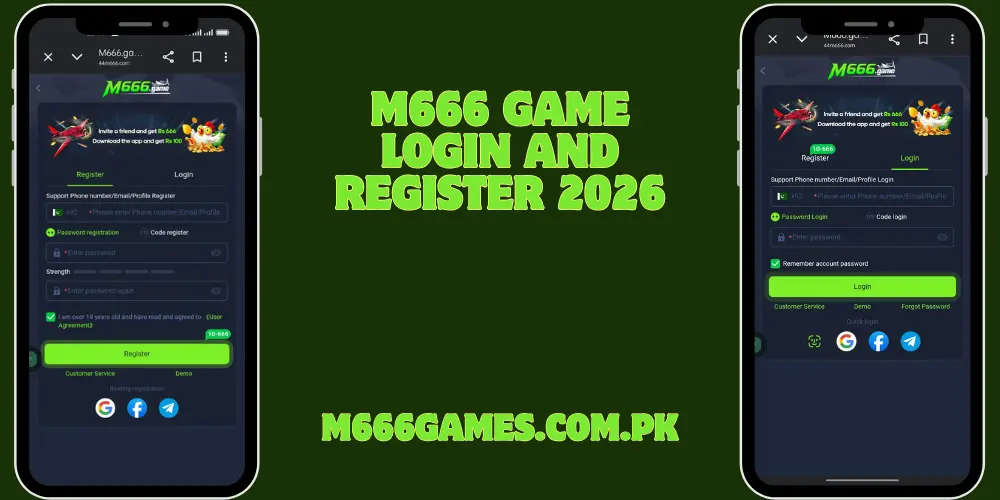
Problem 1: Incorrect Mobile Number or Password
This is the most common issue. How to fix it:
- Double-check the mobile number you entered.
- Make sure there is no extra space before or after the number.
- Type the password carefully. Passwords are case-sensitive.
- If you forgot the password, tap “Forgot Password”.
- Enter your mobile number and request an OTP.
- Use the OTP to create a new strong password.
- Try logging in again with the new password.
Problem 2: OTP Not Received
Sometimes the verification code does not arrive. How to fix it:
- Check your SMS inbox and spam folder.
- Make sure your phone has network signal.
- Wait 1–2 minutes and request the OTP again.
- Restart your phone and try once more.
- If still not received, contact in-app support and share your registered number.
Problem 3: Account Locked or Suspended
Your account may get locked after many wrong password attempts. How to fix it:
- Wait 15–30 minutes and try again.
- Use the “Forgot Password” option to reset.
- Contact customer support through live chat.
- Provide your registered mobile number and any transaction details if asked.
- Support will help unlock the account after verification.
Problem 4: App Not Opening or Crashing on Login
Sometimes the app freezes or closes when you try to log in. How to fix it:
- Clear the app cache from phone settings.
- Uninstall and reinstall the latest version of M666 Game.
- Make sure your internet connection is stable (Wi-Fi or mobile data).
- Update your Android system if an update is available.
- Restart your phone and try logging in again.
Problem 5: “Invalid Account” or “User Not Found” Error
This happens when the number is not registered or typed wrongly. How to fix it:
- Confirm that you are using the same number used during registration.
- Try registering again only if you are sure the number was never used.
- Contact support to check if the account exists.
Extra Tips for Smooth Login in 2026
- Always use a strong and unique password.
- Keep your mobile number active.
- Do not share your login details with anyone.
- Use the official app only.
- Keep the app updated to the latest version.
Most login problems can be solved within a few minutes by following these steps. If nothing works, the in-app support team is ready to help.